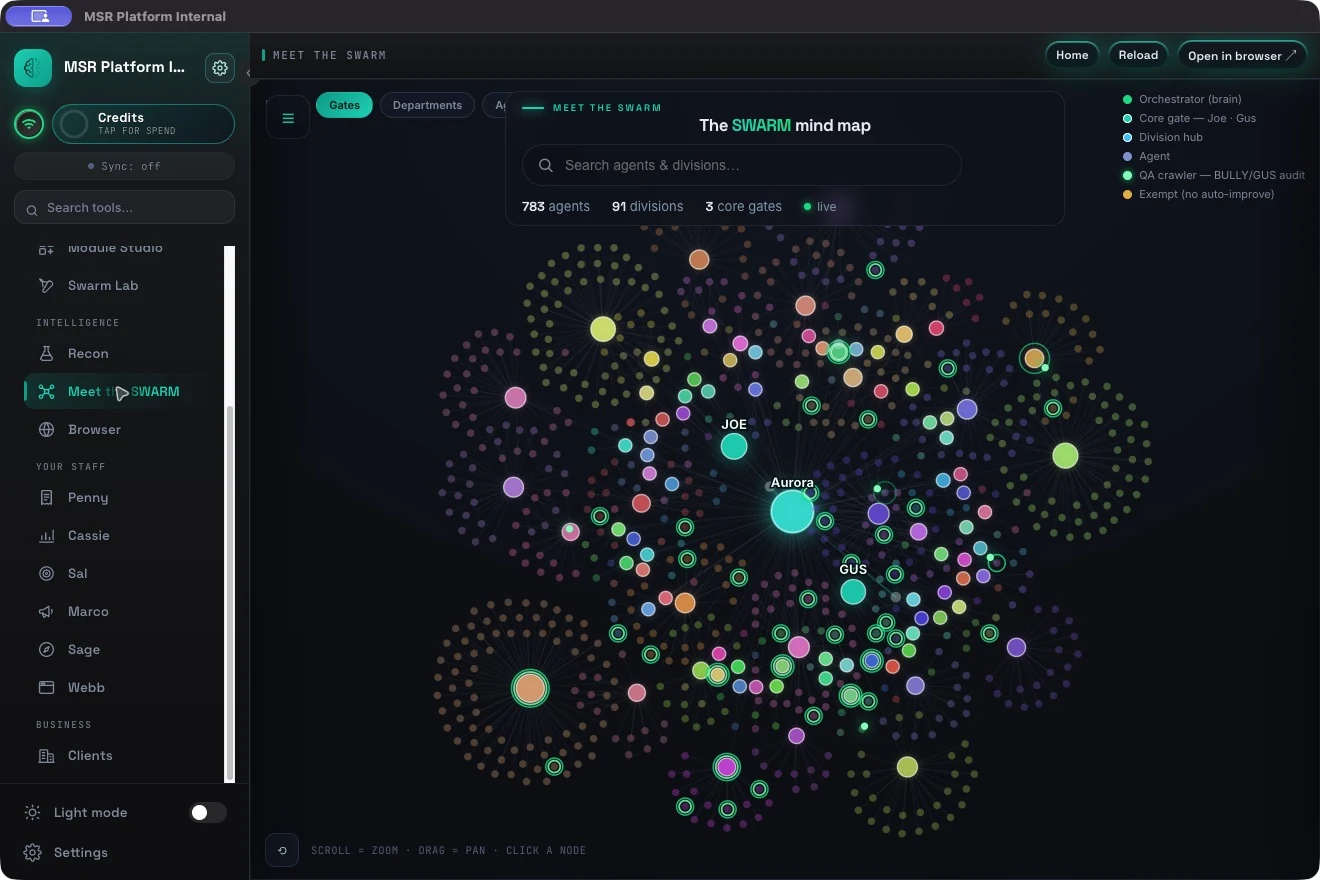
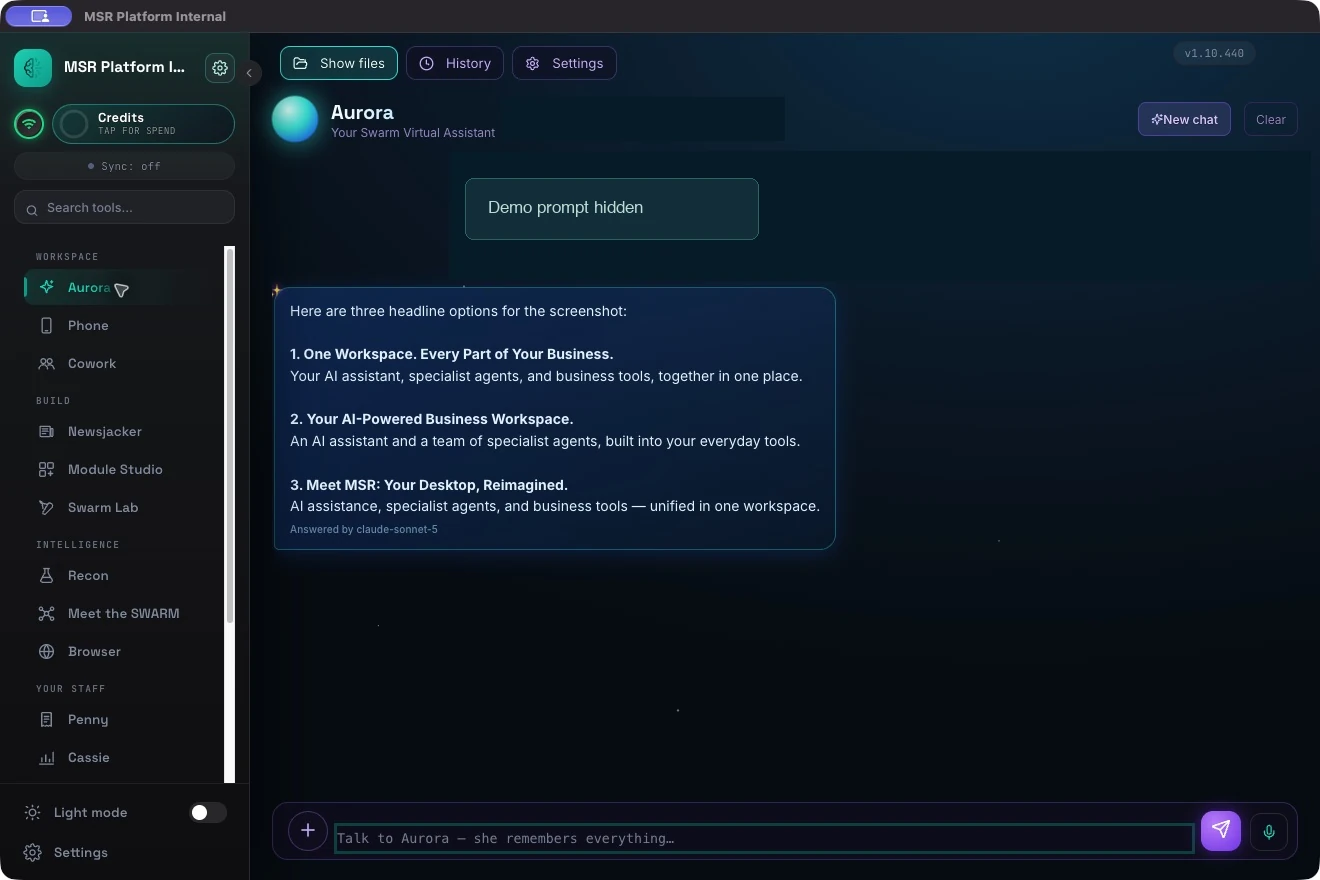
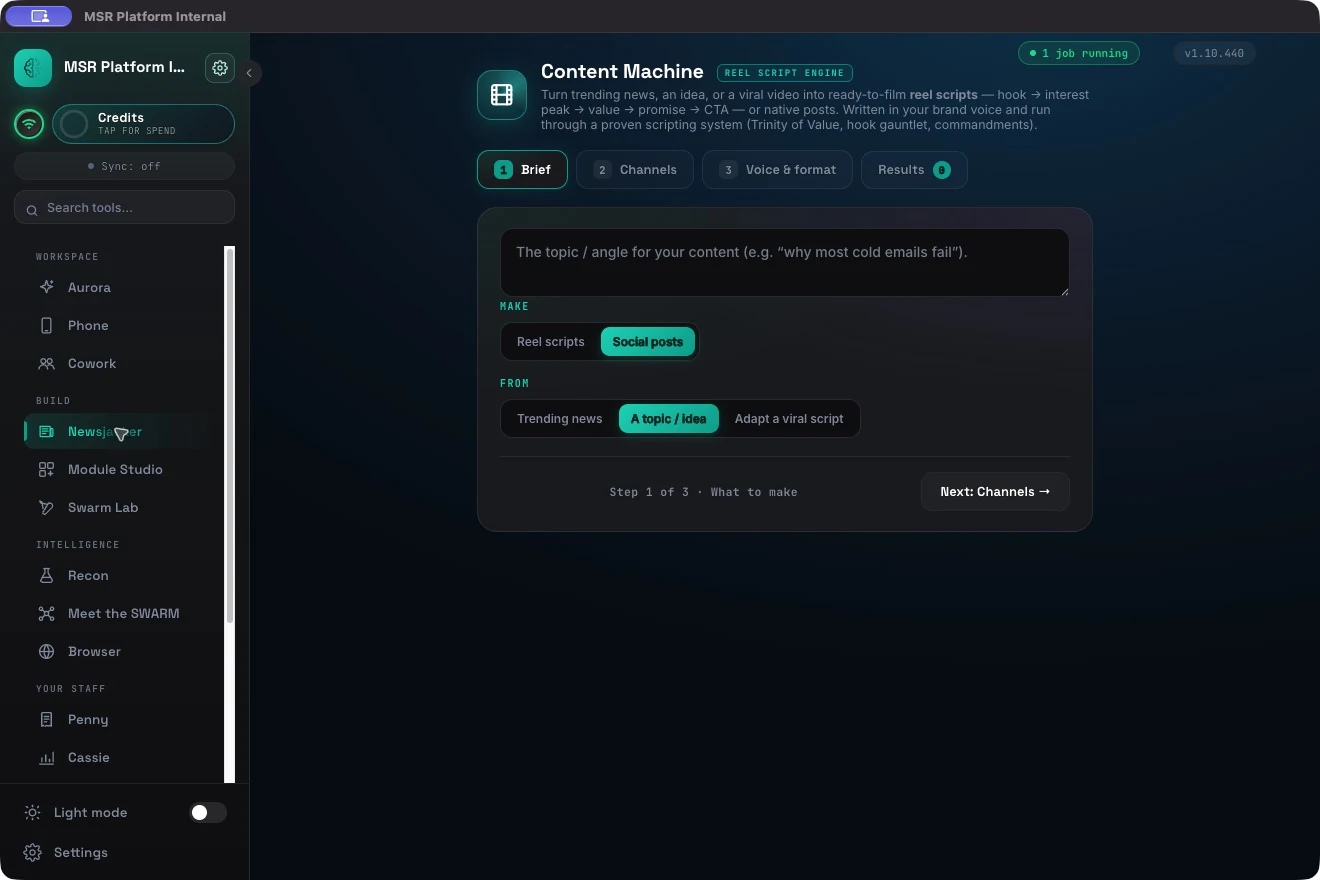
MSR Platform puts AI agents, your business knowledge, and everyday tools in one desktop workspace. Brief Aurora. Get your sales, content, and operations moving.
SalesResearchContentFinanceOperationsCreativeSupportYour next role +
783 specialists91 divisions
AURORA / THE CONTROLS ARE YOURS
Big capability. Your call.
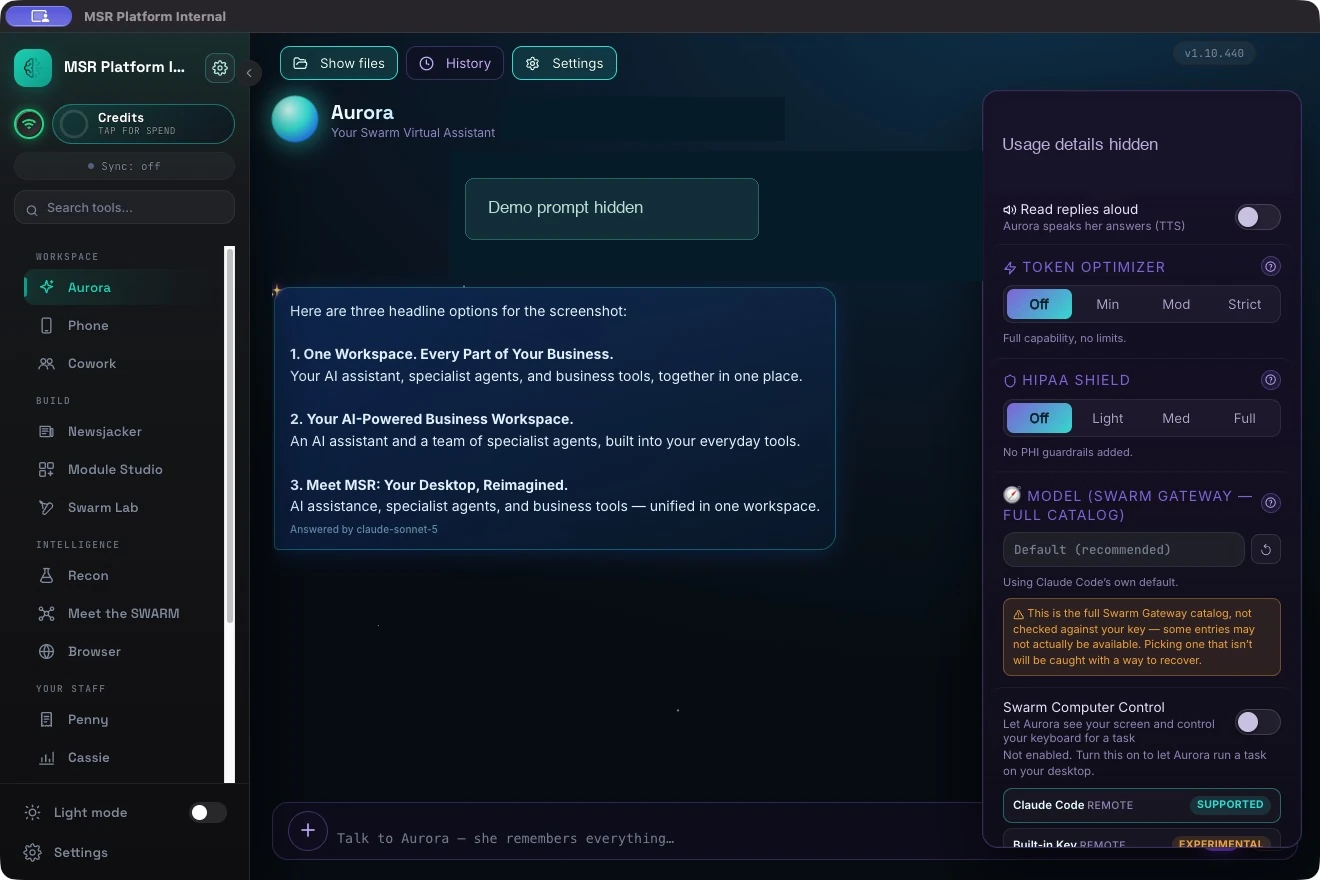
Choose how Aurora handles sensitive text, how much detail she returns, and which AI powers the work. Explore the settings below.
AURORA / SETTINGSACTUAL APP
View full screen ↗The actual token, HIPAA Shield, and model controls. The selected settings shown are from this demo session.
01 / PRIVACY
HIPAA Shield
Set the level of pattern-based PHI filtering for your workflow.
Full · includes outbound text
Applies the redaction pass before text is stored, logged, displayed, or sent to your AI provider.
Pattern-based filtering can miss PHI, including images and unrecognized names. HIPAA Shield alone does not establish HIPAA compliance.
02 / USAGE
Token Optimizer
Give each task the depth it needs. Keep everyday answers focused.
Min · concise, fully capable
Light brevity guidance keeps replies focused while leaving all features active.
Actual usage and savings vary by task and engine. Check the app’s usage meter to see the effect.
03 / MODEL CHOICE
Different minds. Same workspace.
Claude ↗Grok ↗OpenAI / GPT ↗Llama ↗
Search the connected model catalog and check tool support, context, and pricing before choosing.
Availability depends on your engine and access. Claude Code and Codex CLI are separate engine options; the gateway model picker is a different control.
Your desktop hosts the console and its server. Add your knowledge, shape your workforce, and choose how you connect it to the wider world.
⌂
A local home for your work
The console runs on Windows or macOS. Connected AI providers, integrations, and remote access have their own data flows; we’ll walk through your setup in the demo.
✓
Review built into the process
Aurora’s workflow includes checks for alignment, quality, and claims. You can inspect the result and set the expectations for your team.
↗
The same console, within reach
Pair your phone for remote access. Invite collaborators through Cowork, with a guest workforce separate from your full workforce.
BEFORE YOU BRING THE BRIEF
A few good questions.
We’ll show the workflow, explain the setup, and scope the cost around your team.
A desktop platform with a specialist agent workforce, Aurora orchestration, a knowledge base, and tools for research, content, CRM, and building your own workflows. The demo helps identify which parts fit your work.
How much does it cost?
Pricing is scoped to your team and use case. Ask for a quote covering the platform, onboarding, and any separate AI-provider or integration costs so you can compare the full setup.
Do I need to manage 783 agents?
No. Aurora is your main point of contact. She coordinates specialist work; the Swarm agent tab lets you explore roles and shape your workforce when you need to.
What stays local?
The desktop console and server run on your machine. External AI providers, web research, integrations, and hosted remote access can involve data leaving your device. Bring your privacy requirements so we can review the relevant configuration.
What can I bring to the demo?
A real task you’d like to improve: an outreach brief, a content idea, a research question, or a recurring workflow. Use a non-sensitive example for the first session. We’ll show what the platform can do and explain any setup it needs.
How do we get started?
Request a live demo. We’ll arrange a time, explore your task, and discuss the platform license, installation, brand context, and connections your workflow needs.
↗
LET’S MAKE IT CONCRETE
Bring the task you keep putting off.
Twenty minutes with MSR Platform. Your brief, the live platform, and a clear look at what comes next.
Get a live demo ↗
We’ll reply within one business day to arrange your session.